


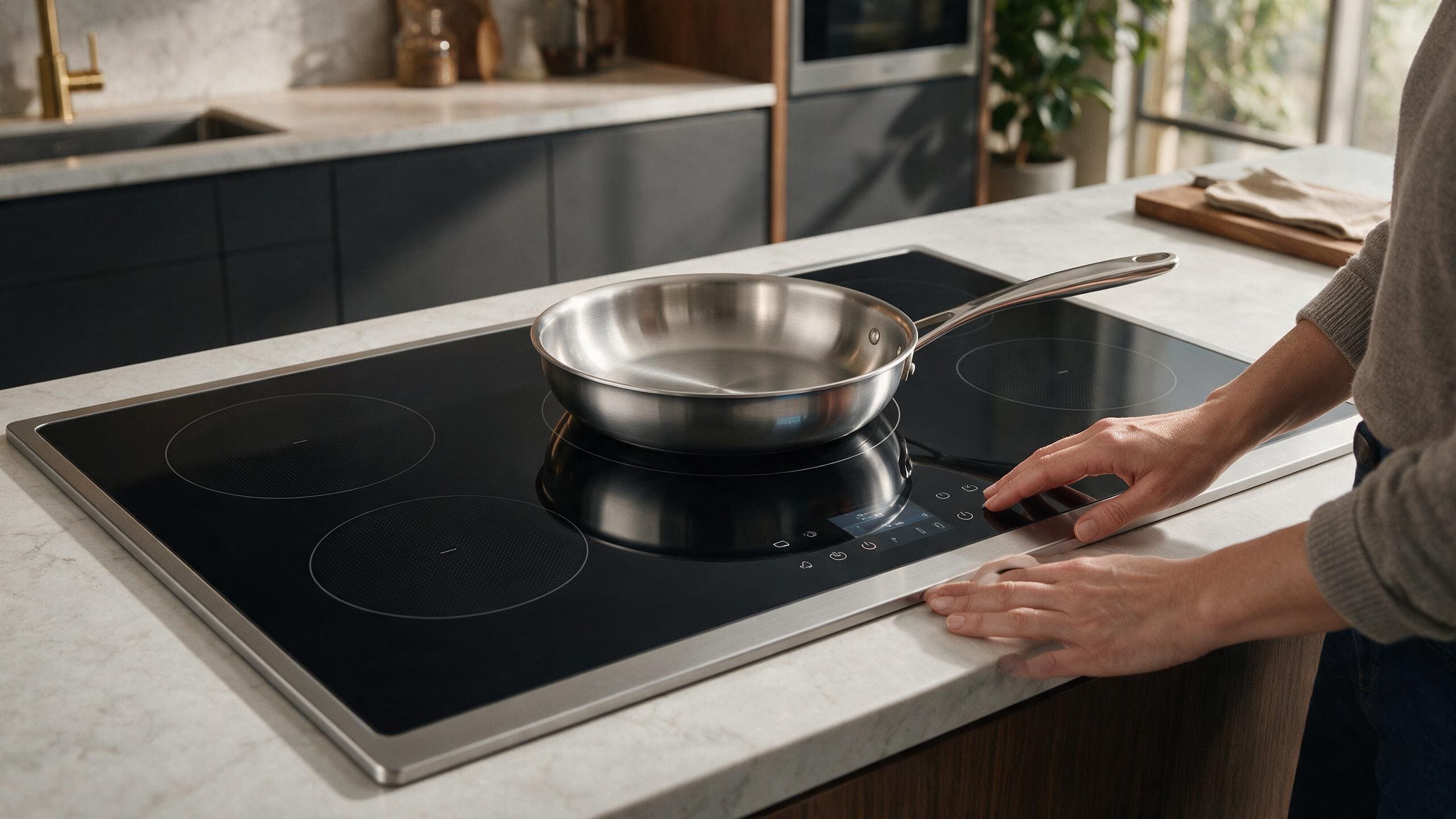
A Viking induction zone that does not detect cookware should be tested with a known-compatible pan before power electronics are blamed.
When a Viking induction zone does not detect a pan, the cookware is the first thing to test, since the zone only heats when it recognizes a suitable magnetic base of the right size. Try a pan that is known to work on induction on both the affected zone and a working one, and stop and request service if the same pan keeps failing on one zone.
Induction heating depends on the interaction between the cooktop and compatible cookware. That makes the pan one of the best safe diagnostic tools available to a homeowner.
Choose cookware that is confirmed to work on induction.
If possible, use a pan that already heats normally on another zone of the same cooktop. The manual for one Viking induction range says cookware must have a magnetic steel layer, and that pots with a partly magnetic base do not perform properly.
An induction zone does not heat on its own. The cooktop senses whether something suitable is sitting on the glass, and only then does it deliver power. On many Viking models, if the pan material or size is unsuitable, a pan indicator flashes and the zone does not cycle on.
The use-and-care manual for one Viking induction range describes a material detector and a small-object detector, and says it will not recognize objects smaller than 2 inches across. The manual for one Viking induction cooktop gives minimum detected pan diameters of 4-5/16 inches for standard zones and 5-1/8 inches for the large middle zone, and says no pan or an unsuitable pan means power cannot be turned on and a pan symbol appears.
These are features that protect the cooktop, not signs of a fault. Check your own manual for the sizes that apply to your model.
Place the same pan on the affected zone and a known-good zone.
If it works on one but not the other, that difference is more useful than testing five unknown pans.
The manuals for these models list stainless steel, enamel, and cast iron as materials that usually work, and copper, glass, and aluminum as materials that usually do not. One cooktop manual also names footed bases and pottery as unsuitable.
A simple magnet test is described in the manual for one Viking induction range: a magnet should stick to the base. The manual for one Viking cooktop adds a water test on a zone set to 9, where the water should become hot within seconds. Treat both as clues, not proof.
Center the pan on the cooking zone and make sure its base is suitable for the zone size.
A very small magnetic area or warped base can create inconsistent detection.
Dust or grains under cookware are also called out in the manual for one Viking cooktop, which says to keep the pan base and the glass clean and to lift pans instead of sliding them.
Make sure the touch-control area is clean and dry and that control lock is not active.
Record any code or symbol before cycling power.
Use Viking Cooktop Error Codes for the exact display.
| What you see | What it can point to | What you can check |
|---|---|---|
| Pan works on other zones, not on this one | A zone-specific condition, not the cookware | Repeat with the same pan on both zones and note the display |
| No pan works on any zone | Control lock, cleaning state of the control surface, or a cooktop-wide condition | Check that the controls are clean, dry, and unlocked, and photograph any message |
| Zone starts, then pauses or stops | A protection such as overheating, or a pan that does not suit the zone | Let the cooktop cool, check the pan, and look at the display |
| Pan symbol or flashing indicator, no heat | The cooktop does not recognize the pan | Try a known-compatible flat-bottomed pan centered on the zone |
| Heat is weak or intermittent | Partly magnetic base, small pan, or warped base | Compare with a known-good pan on a known-good zone |
The manual for one Viking induction cooktop lists messages such as E2 for overheating and Er03 for covered controller keys, and says to disconnect and reconnect the cooktop for a generic E message. Check the list for your own model before acting on a message.
Induction appliances contain high-power electronics.
Do not remove the glass, access power modules, or probe live voltage.
If a breaker trips repeatedly or an overheating/power warning returns, stop use.
A warped base, residue on the glass, or a different pan can change detection. If the pan that used to work still fails on one zone while working on others, record that and request service.
Not always. Manuals for some Viking induction models list minimum detected diameters, and a pan below that size may not be recognized. Check the manual for your own model.
The manual for one Viking cooktop lists humming at high power, whistling with layered cookware, clicking at low power, and fan noise as normal. A fan that keeps running after switch-off is described there as not a defect.
Request Viking Cooktop Repair when known-compatible cookware repeatedly fails on the same zone.
Magnetic response is a useful clue, but pan construction, size, and base design still matter.
No. Compare zones with the same cookware.
One normal reset may be appropriate when the manual calls for it and there is no unsafe condition. Do not keep resetting a repeated trip.
Share a few details and we’ll confirm an appointment. Prefer to talk? Call us and we’ll help right away.
Use the secure scheduler below to request your appointment.