


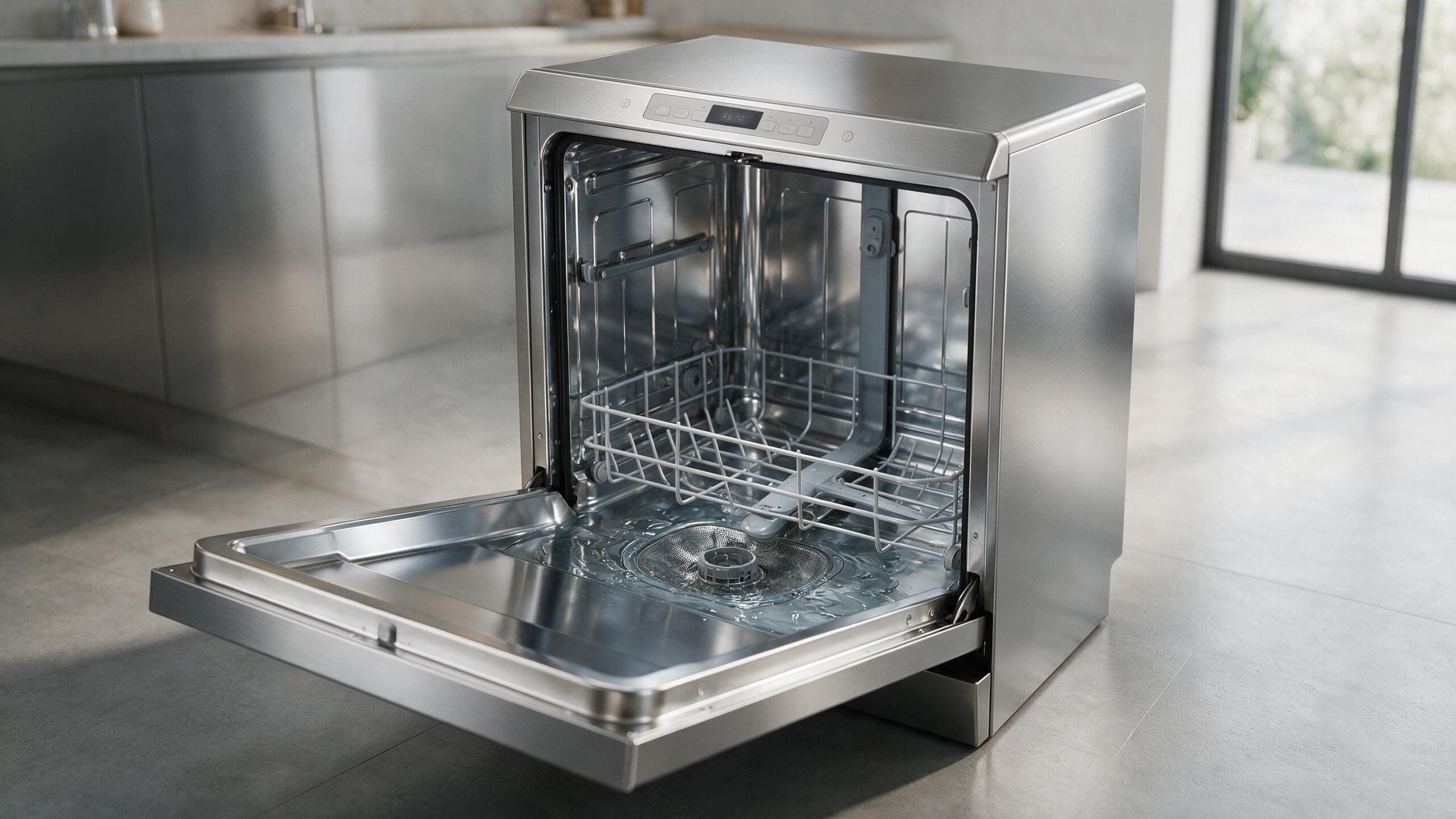
Viking dishwasher not draining? Start with the filter, accessible pump area, drain hose, and sink connection before internal diagnosis.
When a Viking dishwasher leaves water standing, the usual order is to clean the filter, look at the visible drain hose for a kink, and check the sink-side connection, in that order. One use-and-care manual names clogged filters and a blocked or clogged discharge hose as the causes of water remaining at the end of a program. If the accessible path is clear and water still remains, stop and book a diagnosis rather than forcing more cycles.
Standing water after the program is a drainage symptom. It does not automatically prove the drain pump failed.
The most useful approach is to follow the water path from the user-accessible dishwasher area toward the household drain.
If the dishwasher displays E24 or another drain-related warning, photograph it before resetting.
The exact code and model/E-Nr help separate different Viking dishwasher platforms. Use Viking Dishwasher Error Codes for the matching code page.
Before handling a user-removable filter or accessible pump-cover area, turn the dishwasher off as described in the owner documentation.
Remove and clean only the filter your manual identifies as user-serviceable.
Food debris can restrict drainage and also affect wash quality and odor. The manual for one Viking series also says to clean the filters at least once a week, so a drain complaint on a filter that has not been cleaned in months is easy to resolve.
Some Viking models allow a limited user check around the pump cover. Follow the exact manual because sharp debris can be present.
Never reach into the area with power connected.
Look for an obvious kink in the drain hose. A hose that is bent or pinched behind a tight cabinet opening can restrict flow even when the rest of the path is clear.
If the dishwasher connects through an air gap or disposal, check for an external blockage and note any recent sink/disposal work.
| Symptom | What it can point to | What you can safely check |
|---|---|---|
| Water left after the program, no code | Clogged filters, or a blocked or clogged discharge hose | Clean the filter, then look at the visible hose for a kink |
| Water left after recent sink or disposal work | A restriction at the sink-side connection | Check the external connection only; do not open internal parts |
| E:01 flashing on some models | Too much water taken in, or leakage detected | See whether it clears; a code that stays on is a service matter |
| Pump hums but water does not move | A blockage or an internal drain component | Switch the machine off and stop; this needs diagnosis |
The filter is the one drain-path part that the manual expects you to remove, so it is the cheapest to rule out. The use-and-care manual for one Viking dishwasher series says to clean the filters at least weekly and never to run the machine without the filter. Only after that does the discharge hose make sense as the next suspect, and the part you can judge is the visible run of hose, not what is behind the cabinet.
On the 3, 5, and 7 Series dishwashers covered by Viking manuals, E:01 flashes when the machine takes in too much water or detects leakage. The manual says the machine tries to discharge water, the warning clears if the overflowing stops, and if it does not clear it is treated as a permanent fault that needs service. That is a different story from a plain standing-water complaint, so match the display to what you see.
If the water drains after the filter is cleaned, the filter was the restriction. If it does not, you have learned that the problem sits further along the path, but not which part. A hose, a sink connection, a pump, and a sensing fault can all look identical from the front of the machine.
Do not:
If the accessible path is clear but the machine still leaves water, the internal drain pump, sensing, wiring, or installation may need diagnosis.
A pump that hums without moving water is useful evidence; it is not a reason to keep forcing it.
On the 3, 5, and 7 Series models covered by Viking manuals, E:01 flashes when the machine takes in too much water or detects leakage. It tries to discharge the water and the warning clears if the overflow stops; if it stays, the manual calls it a permanent fault for service.
Clean the filter first and run a normal program. If the water clears, the filter was the problem; if not, a blocked or clogged discharge hose is the next item the manual lists, and the part you can judge is the visible run of hose.
Repeated cycles will not clear a blockage and can add more water to the tub. Switch the machine off, check the filter and hose, and book service if the water remains.
Use Viking Dishwasher Repair if the drain warning returns.
No. Viking associates E24 with drainage, and several restrictions or components can create that condition.
The sink-side connection can affect dishwasher drainage, especially after plumbing changes.
A small amount in specific sump areas can be normal; standing water above the expected area after the cycle is different.
Share a few details and we’ll confirm an appointment. Prefer to talk? Call us and we’ll help right away.
Use the secure scheduler below to request your appointment.