


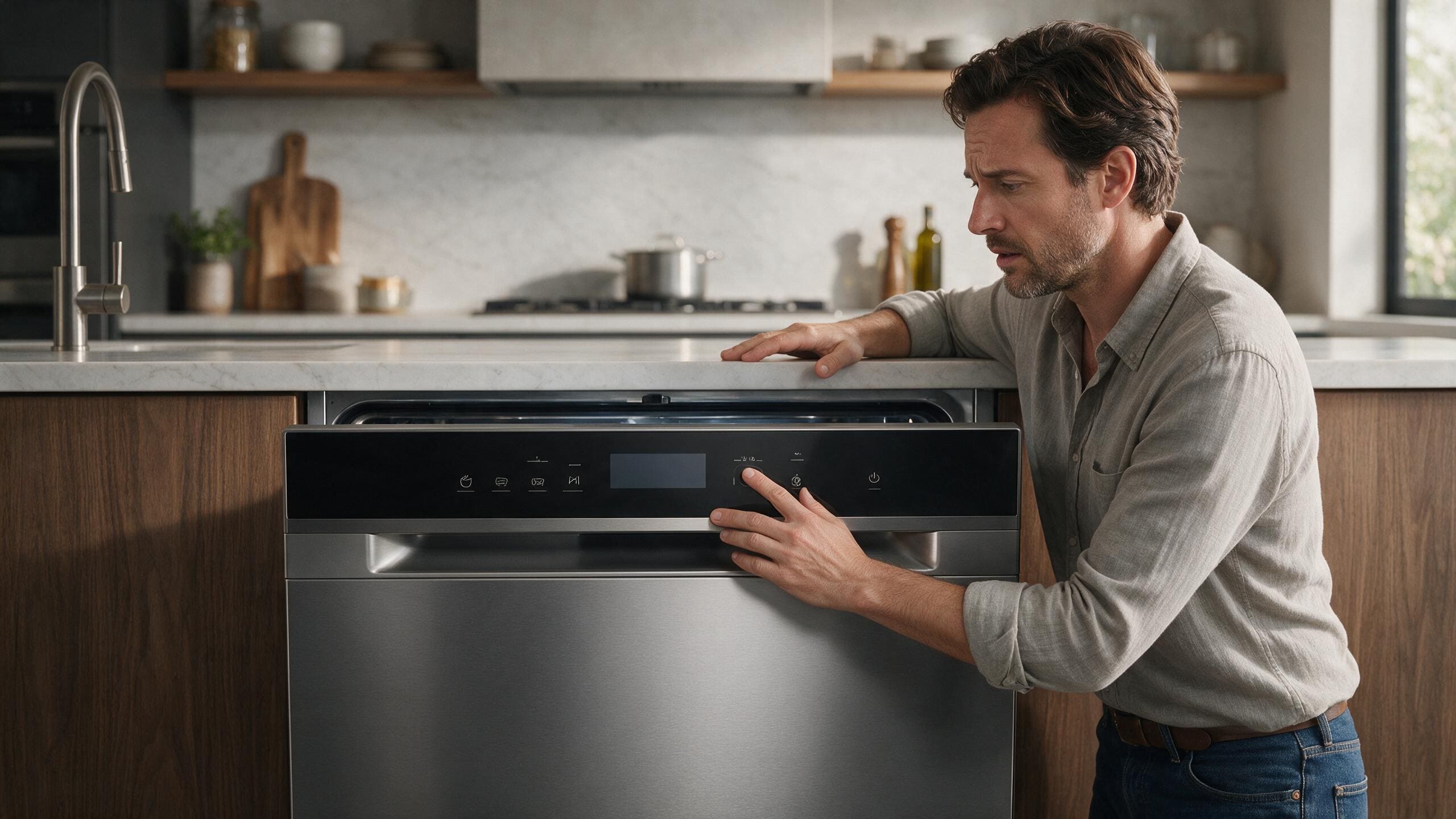
A Viking dishwasher that will not start can have a power, door, control-lock, setting, or internal control condition. Check the external basics first.
A Viking dishwasher that will not start usually comes down to power, the door, or a control setting, so check those in that order before suspecting a board. If it still will not start after one normal reset, or a breaker keeps tripping, leave it off and request service.
A completely silent dishwasher can make an electronic board seem like the obvious suspect, but external power, the door state, and control settings should be separated first.
Verify the breaker and any relevant GFCI or switched connection.
If a breaker has tripped, reset it once only when there is no smoke, electrical odor, water near electrical parts, or visible damage.
If it trips again, leave the dishwasher off.
The use-and-care manual for one Viking dishwasher family lists these checks: the power supply, the house circuit breaker, the water inlet tap being open, the door closed, the On/Off key pressed, and a flashing Start/Pause/Cancel key. It says that when the Start/Pause/Cancel key is flashing you should press it and then close the door immediately.
The same manual explains why: the door must be closed right after pressing Start, otherwise the unit will not start and Start must be pressed again. A dishwasher that seems dead may simply have timed out waiting for the door.
A rack, utensil, or poorly positioned dish can prevent full closure.
Look at the latch area for obvious debris, but do not bypass or hold a door switch manually.
Rack position is a common culprit in what looks like a door problem, because a tine or handle that sticks out can keep the door from latching fully. Push the rack in all the way and look at the door line before pressing Start again.
A dishwasher that cannot confirm the expected door state may refuse to start.
Close the door with a normal push. Slamming it or pressing on it from different angles can mask a latch problem, and does not tell you anything useful.
Check:
Control lock and delay start are easy to enable by accident, particularly on a touch panel. If the display shows a lock symbol or a countdown, the machine is following its settings, not failing to start.
Photograph any message before resetting. Also check whether the water tap supplying the dishwasher is open, since the manual for one Viking dishwasher family lists the inlet tap among the start checks.
If the display shows a flashing E:02 icon, the manual for one Viking 3 and 5 Series dishwasher says the water supply is cut or the inlet valve is off, that the program pauses and rechecks the inlet, and that the icon disappears after water returns. Check the messages your own manual lists, and do not apply that meaning to a different message.
If the model instructions provide a normal reset, use it once after the basic checks.
A machine that returns to the same no-start condition needs diagnosis. When you request service, pass along what you tried and in what order: breaker, door, settings, and one reset. That tells a technician which external causes are already ruled out.
| What you see | What it can point to | What you can safely check |
|---|---|---|
| No lights, no sound | No power reaching the machine | Breaker, GFCI, or switched outlet, per the manual |
| Lights on, nothing happens at Start | Door state, control lock, or the start sequence | Close the door firmly, check settings, and press Start then close the door per the manual |
| Start key flashes | The machine is waiting for the door | Press the flashing key, then close the door immediately |
| Starts, then pauses with a flashing icon | A condition such as water supply | Check that the inlet tap is open and photograph the display |
| Breaker trips again | An electrical condition | Leave it off and request service |
| Display shows an unfamiliar message | A condition the control has detected | Match it to the manual for your model and photograph it |
Once external power, closure, and settings are confirmed, the no-start condition can involve the latch/sensor path, user interface, wiring, power supply, or control electronics.
Those are internal service areas.
A stored setting can sometimes look like a failure. Delay start, a control lock, or an earlier cycle that was never cancelled can all keep the machine from running, and they clear with normal button presses.
It may be waiting for the door to close. The manual for one Viking dishwasher family says to press the flashing Start/Pause/Cancel key and then close the door immediately.
It can. The same manual lists the water inlet tap as one of the checks, and describes the program pausing and rechecking when the supply is cut.
If the panel is dark and nothing responds, start with the breaker and the connection. If the panel responds but the machine will not run, check the door and settings, then request a diagnosis.
Use Viking Dishwasher Repair and the Viking Dishwasher Error Codes library if a warning is displayed.
No. Power and connection conditions should be verified before a board is blamed.
Yes. The control needs the expected door-state confirmation.
No. A repeated trip is a reason to stop.
Share a few details and we’ll confirm an appointment. Prefer to talk? Call us and we’ll help right away.
Use the secure scheduler below to request your appointment.